Weather App
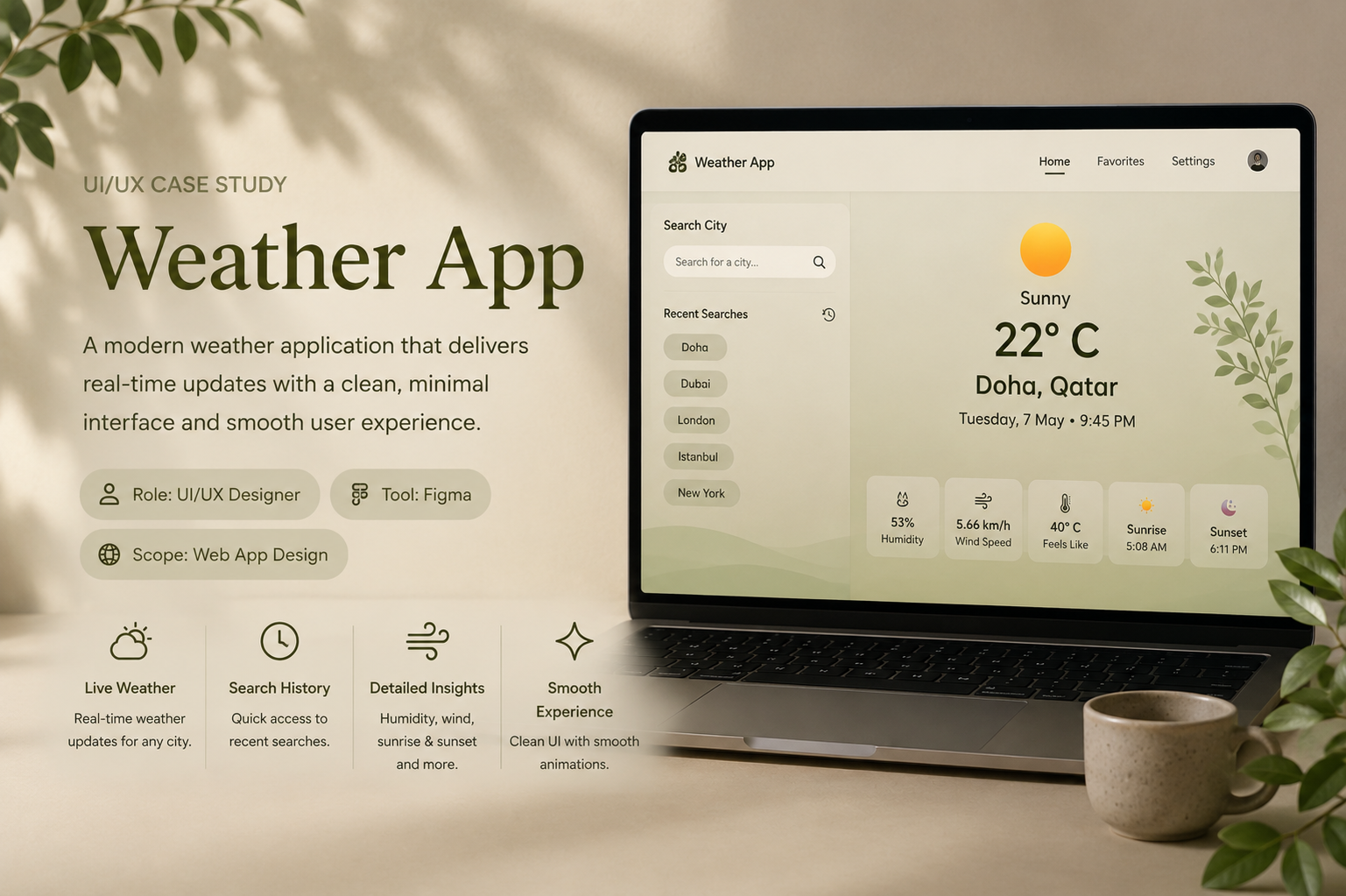
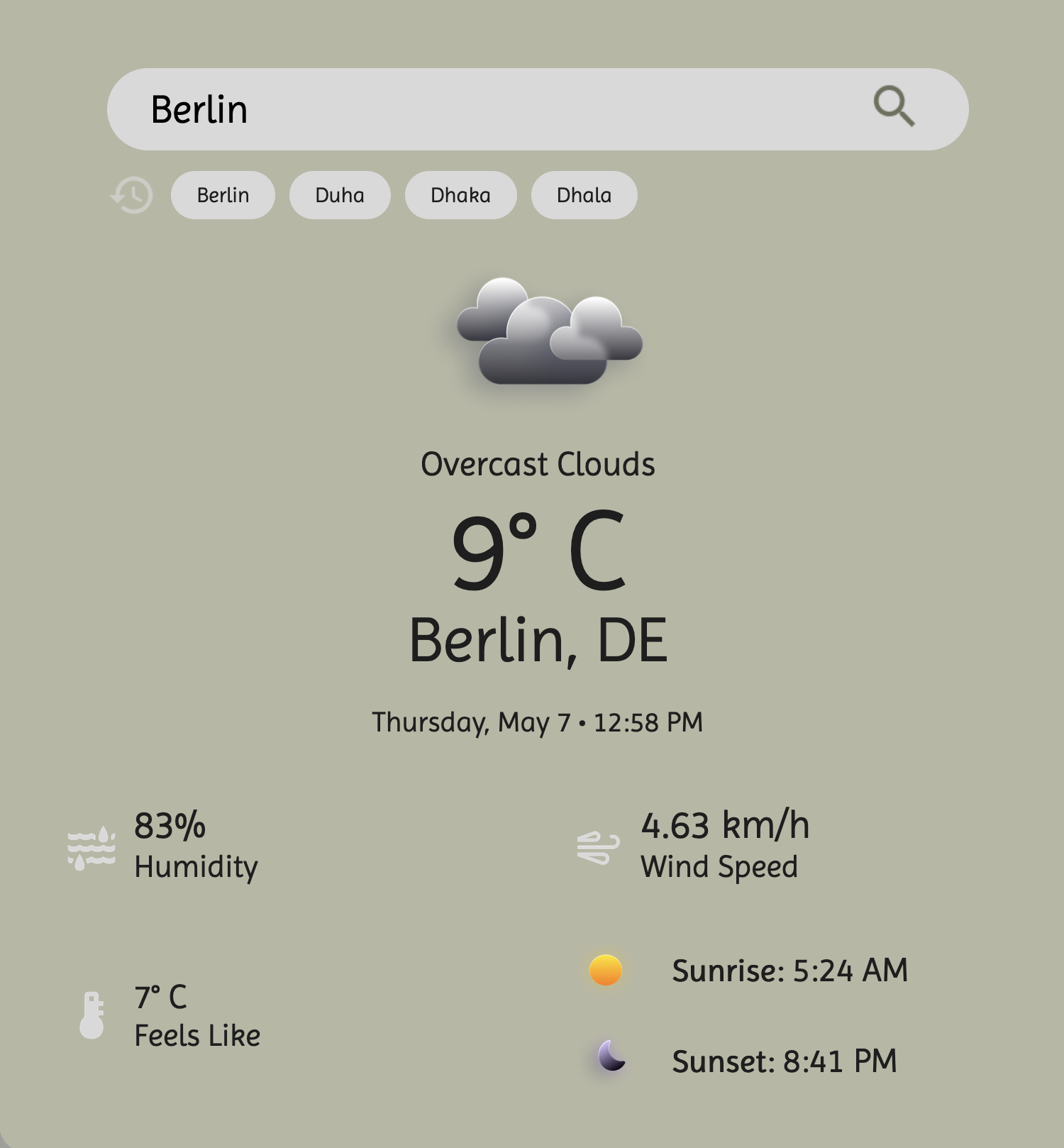
Weather App is a minimal weather dashboard concept designed to help users check real-time weather updates, recent searches, and key climate details through a clean and calming interface.
Design Goals
Screen Showcase
Design Explanation
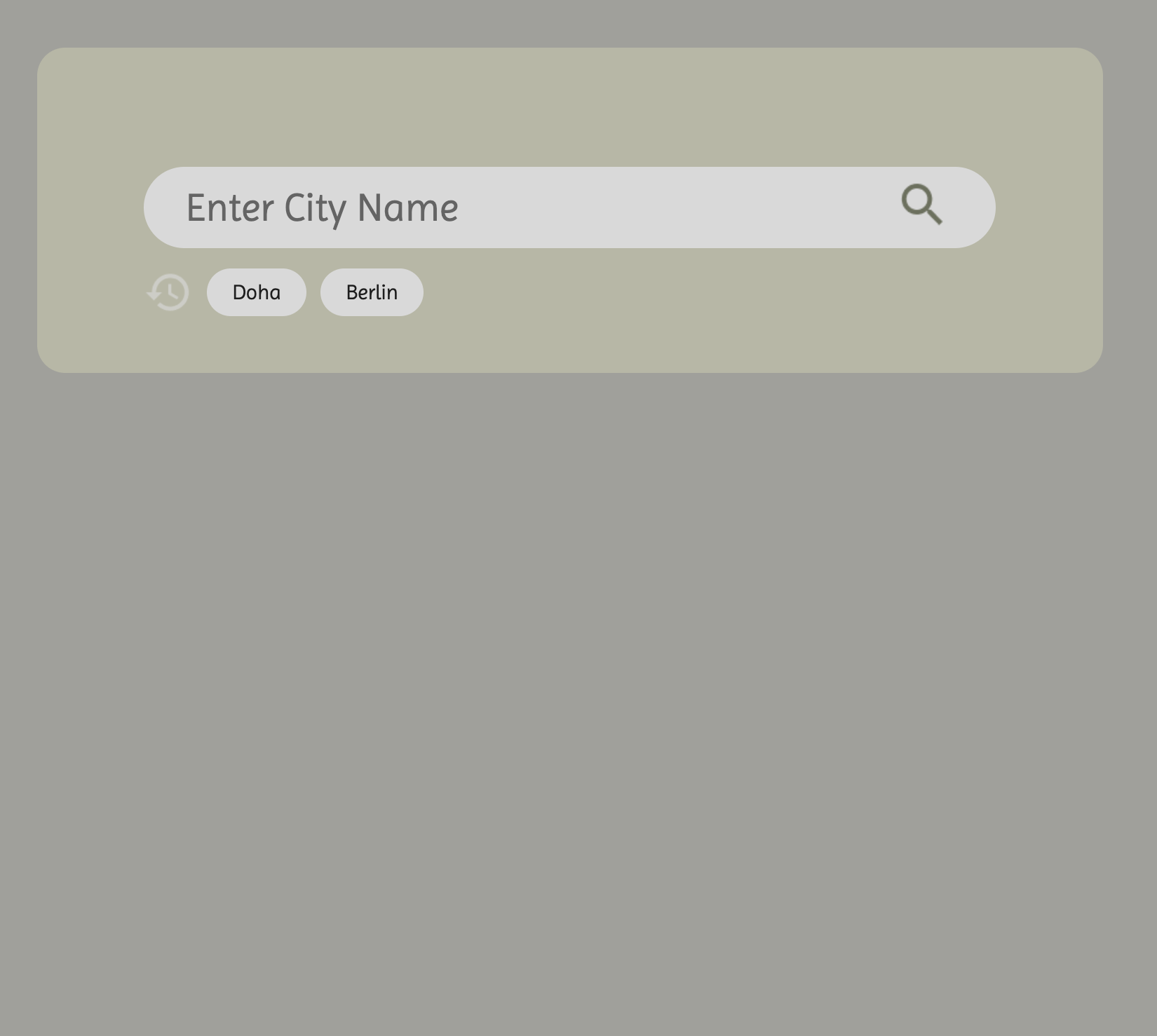
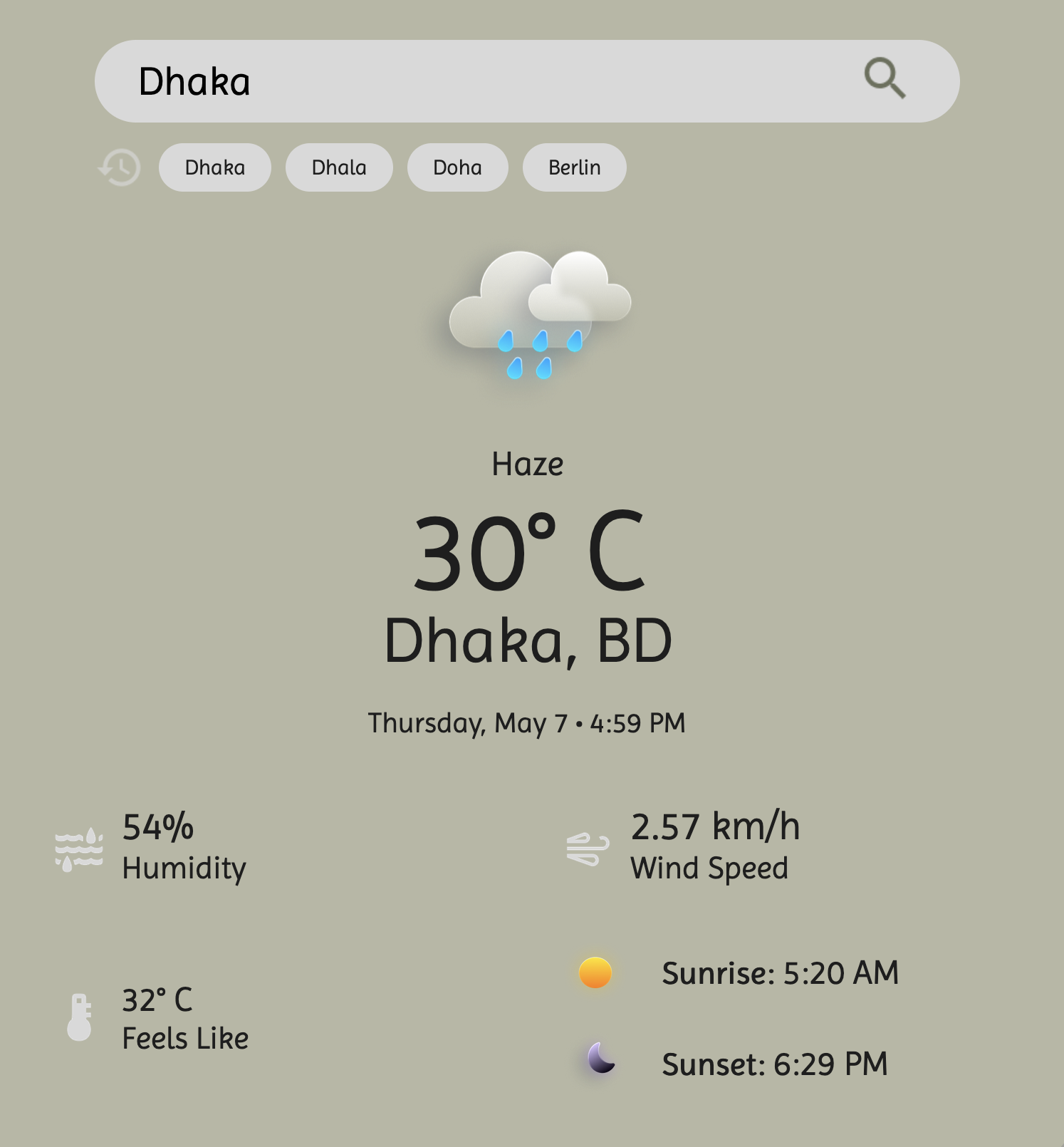
The design uses a muted olive and beige color palette to create a soft, calm, and premium visual style. The layout focuses on quick readability, placing the weather icon, temperature, city, and local date at the center, while supporting details such as humidity, wind speed, feels-like temperature, sunrise, and sunset are organized in a balanced two-column structure.
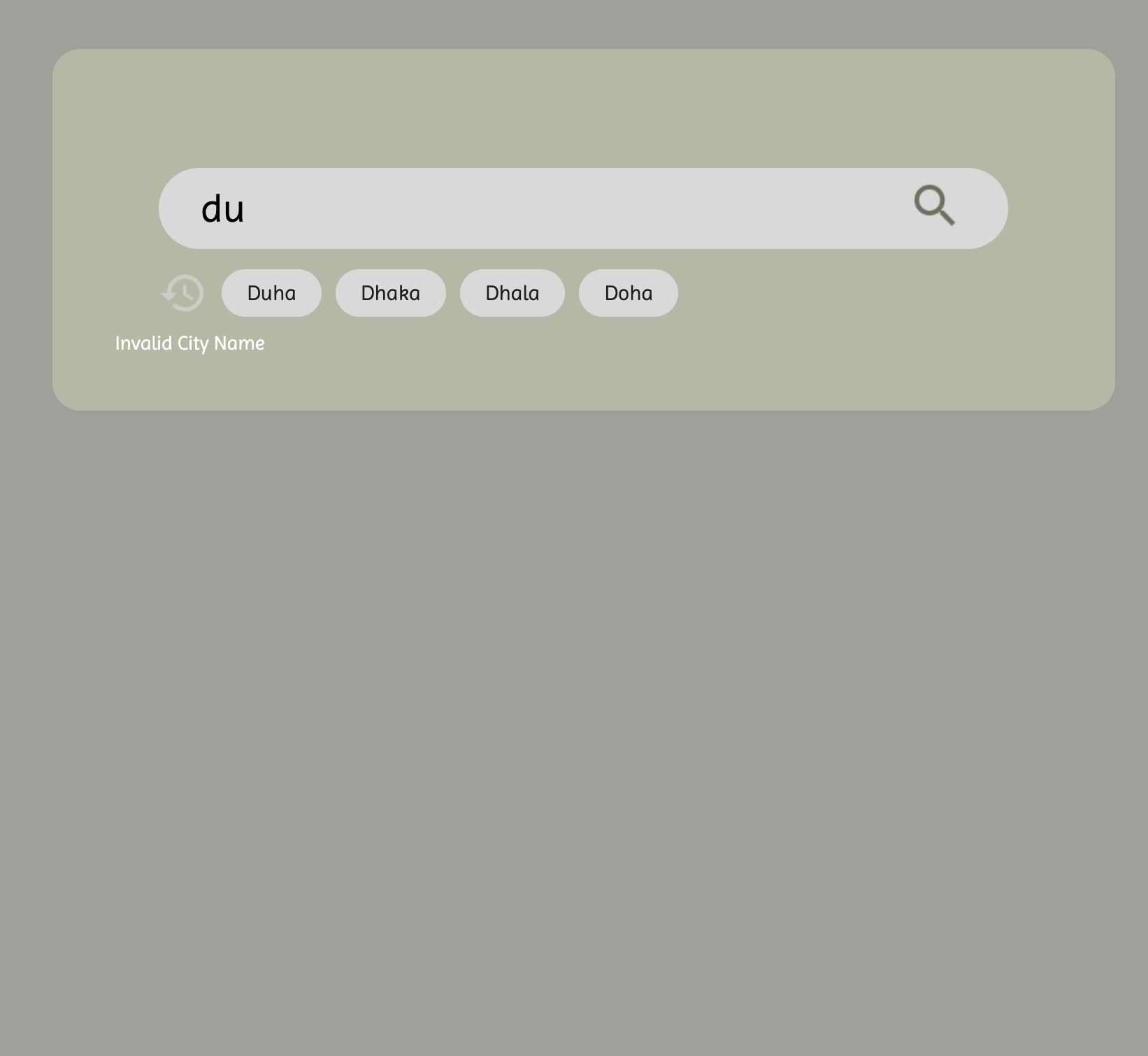
Recent searches were included as small rounded chips below the search bar, allowing users to quickly revisit previously searched cities without retyping. Smooth icon movement and fade-in transitions were planned to make the interface feel more polished and interactive.